Mark
I Built a Salesforce Flow Analyzer: Meet Flow Doctor
Salesforce Flow can start simple and become complicated surprisingly fast.
A few decisions, record lookups, assignments, updates, scheduled paths, and subflows later, and figuring out exactly what a Flow does can take longer than building it in the first place.
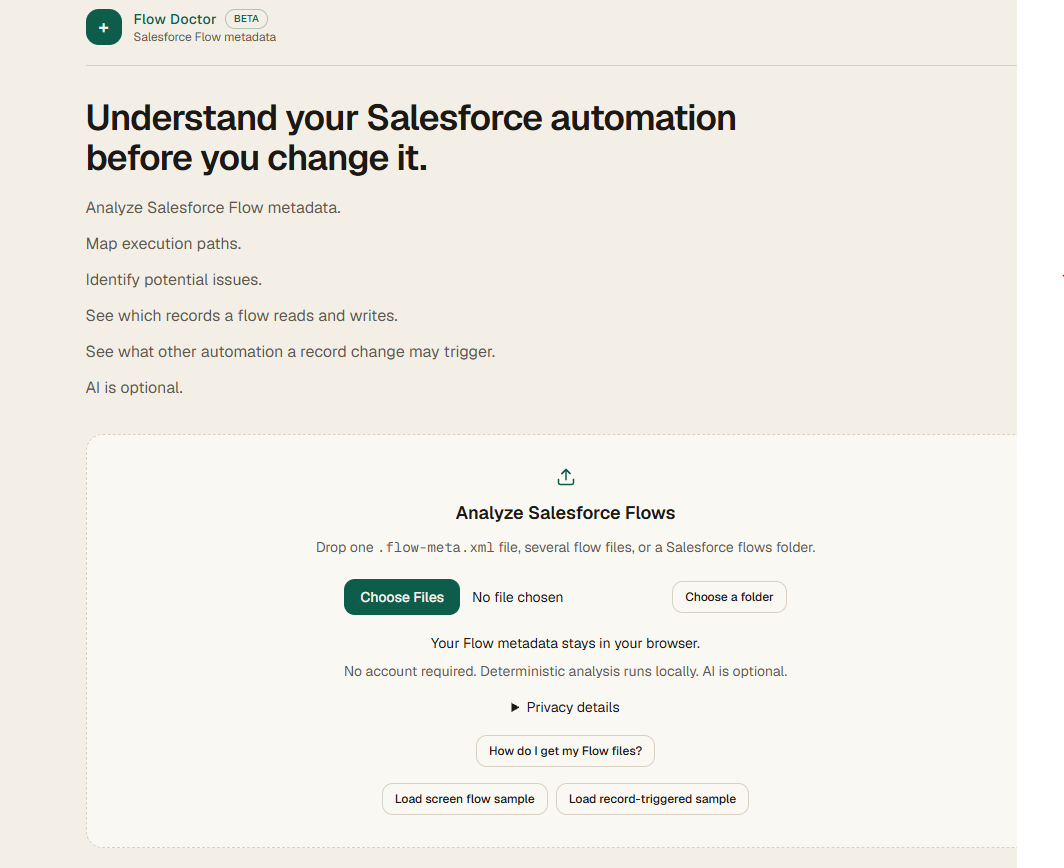
That led me to build Flow Doctor, a browser-based Salesforce Flow analyzer designed to make existing Flows easier to understand and troubleshoot.
Why I Built It
I've spent a lot of time working with Salesforce Flow, including building automations around real business processes.
One recurring challenge is reviewing a Flow that already exists.
You can open it in Flow Builder and follow the connectors manually, but that doesn't always answer the questions I care about quickly:
- What does this Flow actually do?
- Which objects does it read, create, update, or delete?
- Are there elements without fault handling?
- Are there unused or unreachable elements?
- What happens at each decision?
- Could another Flow on the same object interact with it?
- Where should I start looking if something isn't working as expected?
I wanted something that could answer those questions without connecting another application to a Salesforce org.
So I built Flow Doctor.
How Flow Doctor Works
Flow Doctor analyzes the XML metadata behind a Salesforce Flow.
You export the Flow XML from Salesforce and drop the file into Flow Doctor. The analysis happens directly in your browser.
There is no Salesforce login, OAuth connection, or server upload required for the core analysis.
That was an intentional design decision. Salesforce metadata can reveal a lot about how an organization operates, so I wanted the default experience to keep that metadata on the user's machine.
What It Can Find
Flow Doctor parses the Flow into a normalized model and then runs a set of deterministic checks against it.
It can identify and summarize elements such as:
- Record lookups
- Record creates
- Record updates
- Record deletes
- Decisions and outcomes
- Loops
- Assignments
- Subflows
- Apex actions
- Screens
- Variables
- Scheduled paths
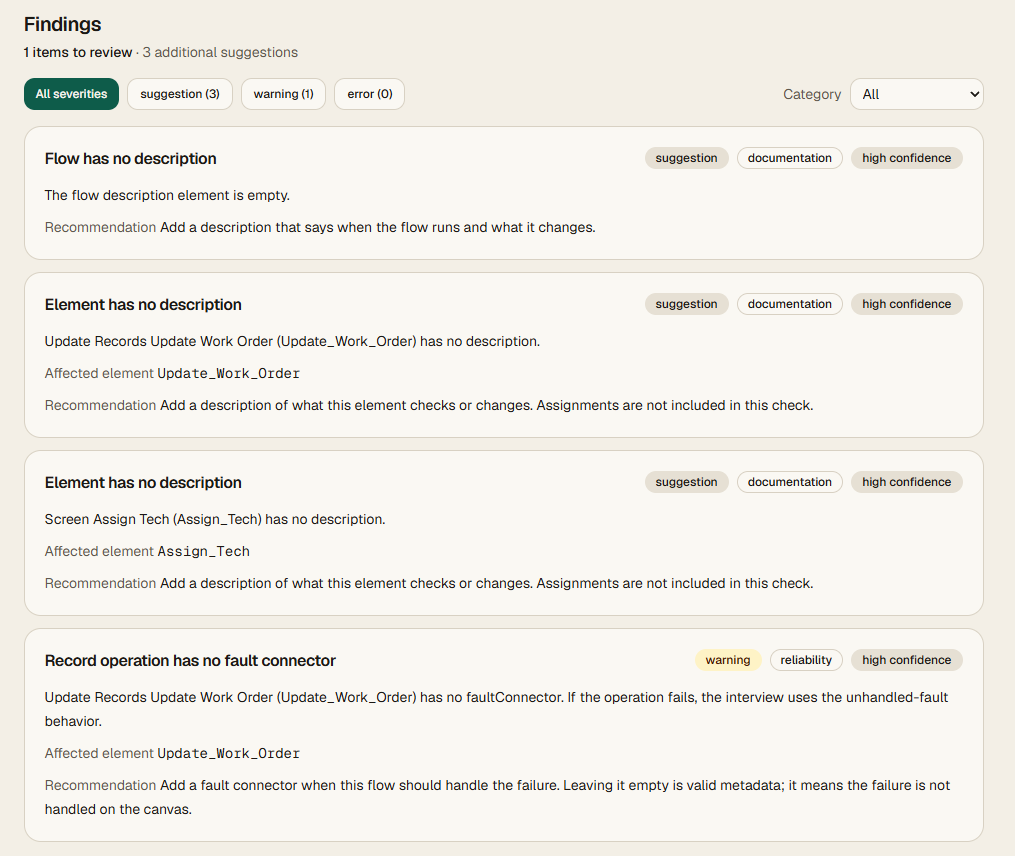
It also looks for conditions that may deserve attention, such as missing fault paths and potentially unreachable or unused elements.
I deliberately don't give a Flow an arbitrary "health score."
A complex Flow isn't automatically bad, and a simple Flow isn't automatically good. Instead, Flow Doctor reports individual findings as information, warnings, or errors so an admin or developer can decide what matters in context.
Seeing the Execution Path
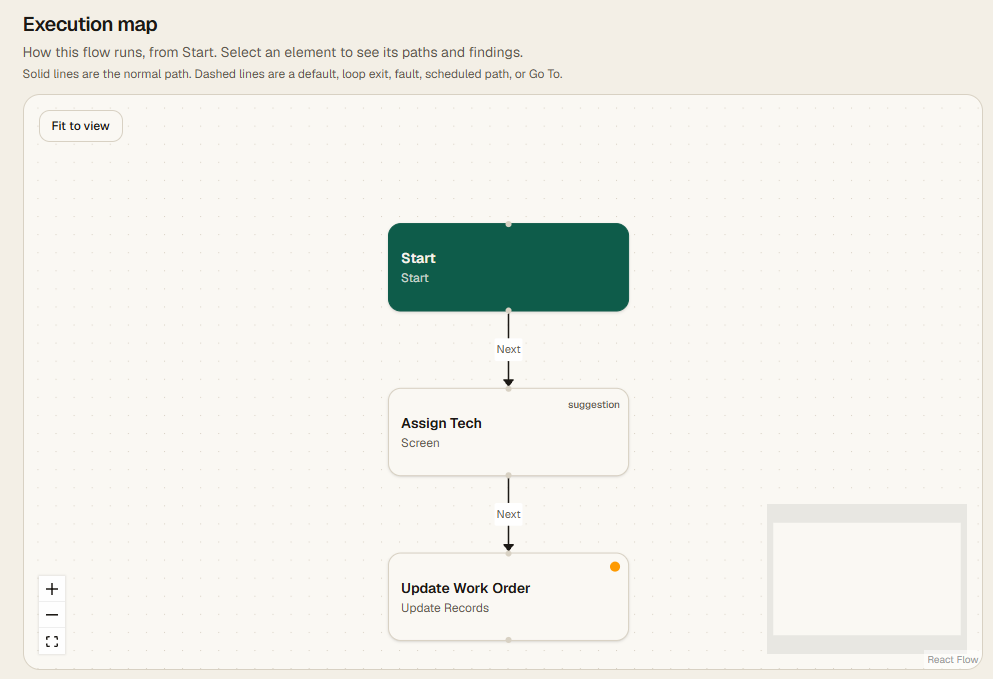
One of my favorite parts of the project is the execution map.
Instead of only giving you a list of elements, Flow Doctor reconstructs the connections between them so you can follow the automation from Start through decisions, loops, record operations, scheduled paths, and other branches.
Clicking a node provides additional information about that element, and findings can be tied back to areas of the Flow that deserve attention.
For someone reviewing an unfamiliar Flow, this can make understanding the automation much faster.
Analyzing Multiple Flows
Salesforce automation rarely exists in isolation.
One Flow might create a record that triggers another Flow. Another automation might update that same object later.
Because of that, Flow Doctor can also analyze multiple Flow XML files together.
The project view looks across the uploaded Flows and builds a larger automation map. It can help identify relationships such as one Flow creating a record that could trigger another record-triggered Flow.
This is particularly useful when you're trying to understand an org that has accumulated automation over several years.
Exporting the Analysis
Sometimes the goal isn't just troubleshooting.
You may need to document what an automation does for another administrator, a consultant, a client, or whoever inherits the org next.
Flow Doctor can generate a structured Markdown report containing information about the Flow, its trigger, execution path, elements, findings, and limitations.
That gives you a starting point for documentation without manually rebuilding everything you just discovered.
What About AI?
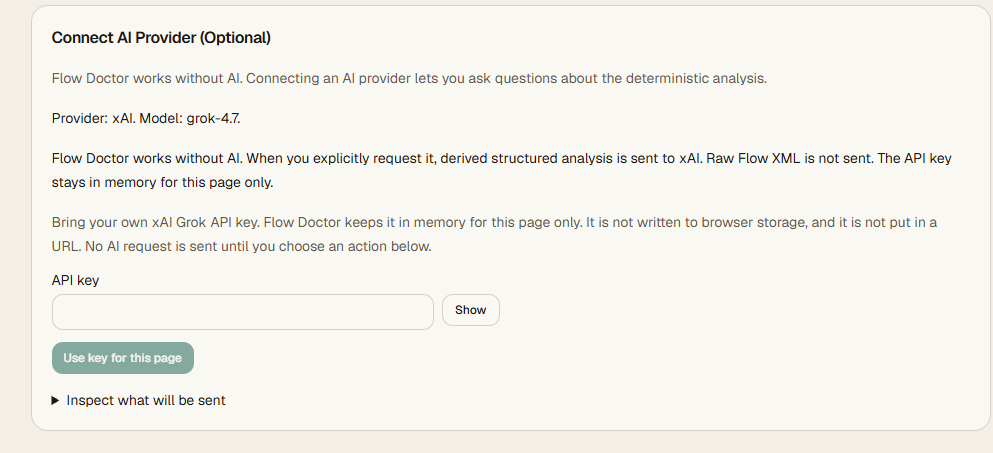
Flow Doctor's core analyzer does not depend on AI.
Parsing, mapping, and the primary rules are deterministic and run locally.
I've also been experimenting with an optional AI layer for deeper explanations. The idea isn't to have AI replace the actual analysis. It's to give it structured information from the analyzer and let it help explain what that information might mean.
Keeping those two pieces separate is important to me.
The deterministic engine should tell you what is actually present in the metadata. AI can then help you reason about it.
Built for Salesforce Admins and Developers
Flow Doctor started as a tool I wanted for myself.
But the more I worked on it, the more I realized it could be useful for anyone who inherits an unfamiliar Salesforce org, troubleshoots automation, reviews client environments, or simply wants a second set of eyes on a Flow.
There's still more I want to explore, but the current version is live and usable today.
Try Flow Doctor:
https://flowdoctor.sparrowlaunch.com/
If you work with Salesforce Flow, give one of your Flow XML files a checkup and see what Flow Doctor finds.